How do I
Blind the player with a flashbang
Put a Moment with an aimed Flashbang step on the grenade and give the moment a Range, such as the 25 meters Set Range To 25 offers; it blinds fully when looked at and far less from behind.
You want
A flashbang goes off. A player looking straight at it is blinded white, one looking away barely flinches, and one far down the street is not affected at all.
Steps
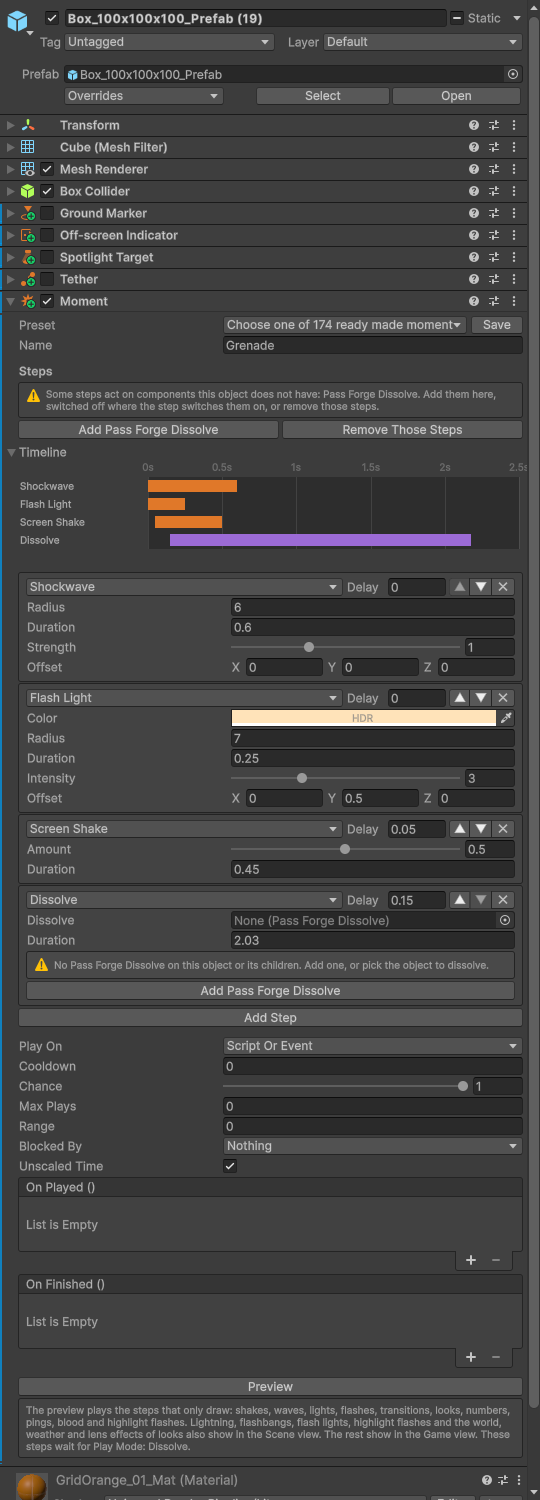
- Add Add Component > Pass Forge > Moment to the grenade, with Play On at Script Or Event.
- Press Add Step and pick Flashbang. A new Flashbang step is Aimed: it goes off where the moment plays and blinds by where the main camera looks when it goes off, after its Delay.
- Set Look Away Helps: how much looking away protects the eyes. 0 blinds the same from any side, for a blast that lights up the whole sky.
- The moment has no Range yet, so the step offers Set Range To 25. Press it, so far flashes blind less and fade to nothing at 25 meters.
- Set the moment's Blocked By to your wall layers, so a flash behind a wall does not blind. Put walls on a layer of their own for it.
- Play the moment from the grenade's fuse with
Play()orPlayAt(transform.position). - Press Preview in the Moment inspector to try it. The preview judges only where you look, from the Scene view, and leaves out Range and Blocked By.
What you should see
Looked at straight on, the flash blinds fully; to the side, about a third; from behind, a tenth. Within a meter and a half it blinds fully whichever way the player looks. The white spreads from the flash's point on screen and shrinks back to it, and a dark spot stays there while the burned in picture fades.
With an orthographic camera, as in 2D, or a camera looking steeply down, as in top down games, the flash judges by the screen: it blinds fully anywhere on screen and fades to a tenth half a screen past the edge.
If it does not work
- A far flash still blinds. The moment's Range is 0, so it blinds as much at any distance. Press Set Range To 25.
- The flash barely shows. It went off behind the player or far away for the Range, or the player's flash setting or safe mode is down. Turn Look Away Helps down, and raise Range.
- It blinds at full strength everywhere. No camera is tagged MainCamera, which the step's inspector says. Tag the player's camera.
- The moment is on the player. An aimed flash then goes off at the eyes and blinds fully. Put it on the grenade, or play it with
PlayAtwhere the flash happens. - It goes off where the grenade first bounced. A moment on Collision Enter with a Delay keeps the place of the first touch. Play it from the grenade's fuse instead.
- A second flashbang right after the first shows nothing new. One flash shows at a time, and a new one takes over only when it blinds more than what is left of the one showing.
From a script
using PassForge.Effects;
using UnityEngine;

public class Flashbang : MonoBehaviour
{
    [SerializeField] LayerMask m_Walls;

    public void GoOff()
    {
        // Strength 1, 4 seconds, fades to nothing at 25 m, and walls on m_Walls block it.
        PassForgeScreenFlash.Flashbang(transform.position, 1f, 4f, 25f, m_Walls);
        Destroy(gameObject);
    }

    // Game logic: how blind the player is now, from 0 to 1. The player's flash setting does not lower it.
    public static bool CanAim() => PassForgeScreenFlash.blindness < 0.5f;
}
PassForgeScreenFlash.Flashbang() with no position whites out the whole screen whichever way the camera looks, and PassForgeScreenFlash.Lightning() lights the scene in flickers.