How do I
Play a heart, clouds or iris transition
In a Moment's Transition step pick Style Mask and one of the 27 shipped masks, or Style Iris with On Moment to close on an object; from code set PassForgeTransition.mask or focus before Cover.
You want
The screen closes in a heart shape at the end of a date scene, clouds sweep over the picture between levels, or an iris closes on the hero, cartoon style.
Steps
- Add Add Component > Pass Forge > Moment to the object the transition belongs to, such as the hero for an iris.
- Press Add Step and pick Transition: Cover, Transition: Reveal or Transition: Cover And Reveal.
- For a shaped sweep, set Style to Mask and pick a picture in Mask. Pass Forge ships 27, among them Heart, Star, Clouds, Blinds, Clock, Shards and Pixels. Pick Your Own Picture and drop in any grayscale texture of your own, imported with sRGB off. Its dark parts are covered first and its light parts last.
- For an iris, set Style to Iris and tick On Moment. The iris then closes on, or opens from, where the moment plays, followed on screen, instead of the middle of the screen.
- For Cover And Reveal, set Duration, Hold for the seconds the screen stays covered, and Cover Color.
- Play the moment from a UnityEvent with Play, or with PlayAt to close the iris on another object.
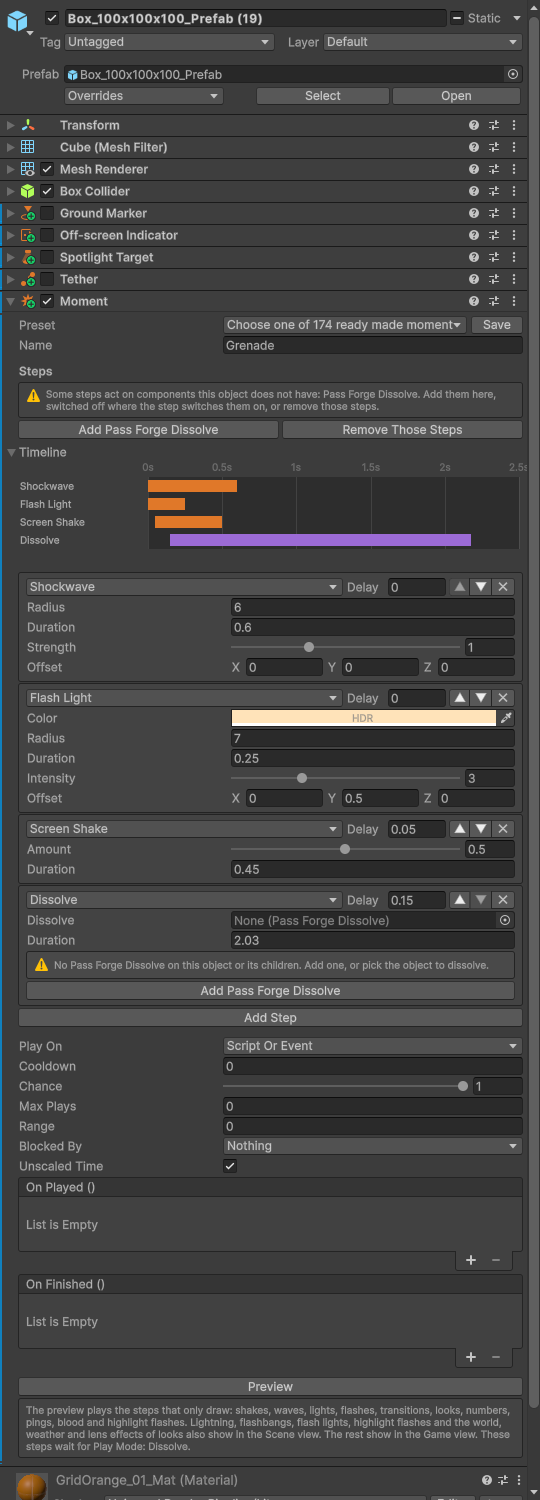
What you should see
The screen covers in the shape of the mask, or the iris closes on the object as the camera moves. In Edit Mode the Moment's Preview plays Cover, Reveal and Cover And Reveal steps in the Game view. In Timeline, a Pass Forge/Transition Track clip covers over its ease in and uncovers over its ease out, in any style, Mask included.
If it does not work
- The screen stays covered. A cover stays on, through a scene load too, until something reveals it. Use Cover And Reveal, add a Transition: Reveal step, or call
PassForgeTransition.Reveal. - Your own mask sweeps oddly. Import it with sRGB off, as a grayscale picture.
- Nothing shows. Transitions need no Volume, but they are screen effects: run Tools > Pass Forge > Set Up Effects and turn Post Processing on for the camera.
From a script
using PassForge.Effects;
using UnityEngine;

public class DateSceneEnd : MonoBehaviour
{
    [SerializeField] Texture m_Heart;    // Textures/Transition Masks/Heart in the Pass Forge folder
    [SerializeField] Transform m_Hero;

    public void CloseOnHeart()
    {
        PassForgeTransition.mask = m_Heart;
        PassForgeTransition.Cover(TransitionStyle.Mask, 1f, Color.black);
    }

    public void CloseIrisOnHero()
    {
        PassForgeTransition.focus = m_Hero.position;   // a world point, followed on screen
        PassForgeTransition.Cover(TransitionStyle.Iris, 0.8f);
    }

    public void Open() => PassForgeTransition.Reveal(TransitionStyle.Iris, 0.8f);
}
The other styles are Fade, Diamonds, Dissolve, Wipe, Ink Splash, Glass Shatter, Paper Burn, Page Turn and Comic Panels.